


- Launch Services
Overview
Chart your path to success with specialised services.Implementation Project Management
Experts to ensure you launch on time and under budget.Solution Architecture
Seasoned advisors to help you best design your store.Data Migration & Optimisation
Expertise on a clean and clear path to migrating your data.Enterprise Launch Package
Personal training on how to set up and launch your BigCommerce Store.
Professional Services Blog Series
Get to know our teams and how they support your success in this Q&A series.

The Global B2B Buyer Behavior Report
This in-depth report provides actionable strategies to help you sell more online.
Companion
Say hello to Companion,
your new AI-powered teammate.
From navigating your way through your first launch to empowering your teams to get real work done faster, Companion’s got you covered.
Already on BigCommerce? Log in to get started.
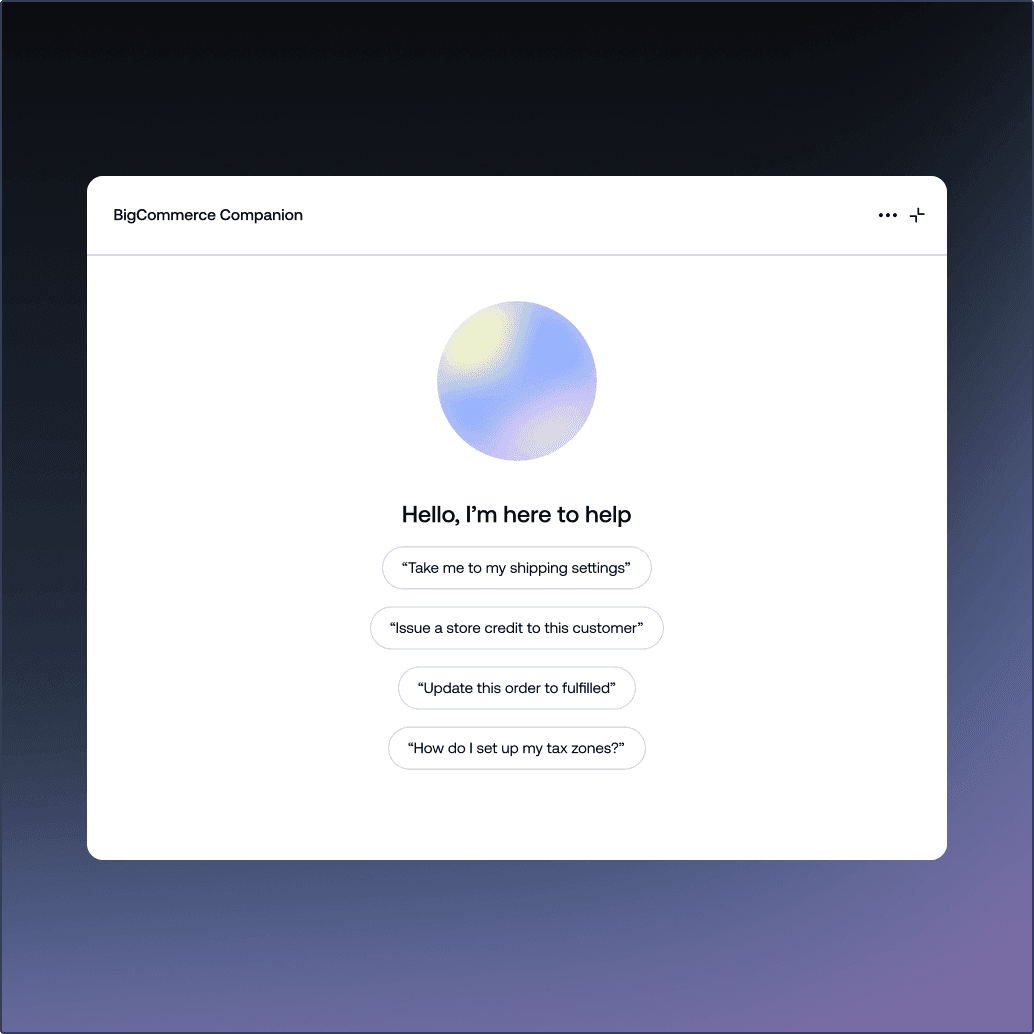

Companion was built to guide your business from day one through every stage of growth.

New Merchants
Just starting out? Ask where to go, what to do next, and how to get set up; without feeling lost.

Working Teams
Gain instant clarity into your business context while maintaining full control as operations scale.
Companion is there to help, whenever you need it most.
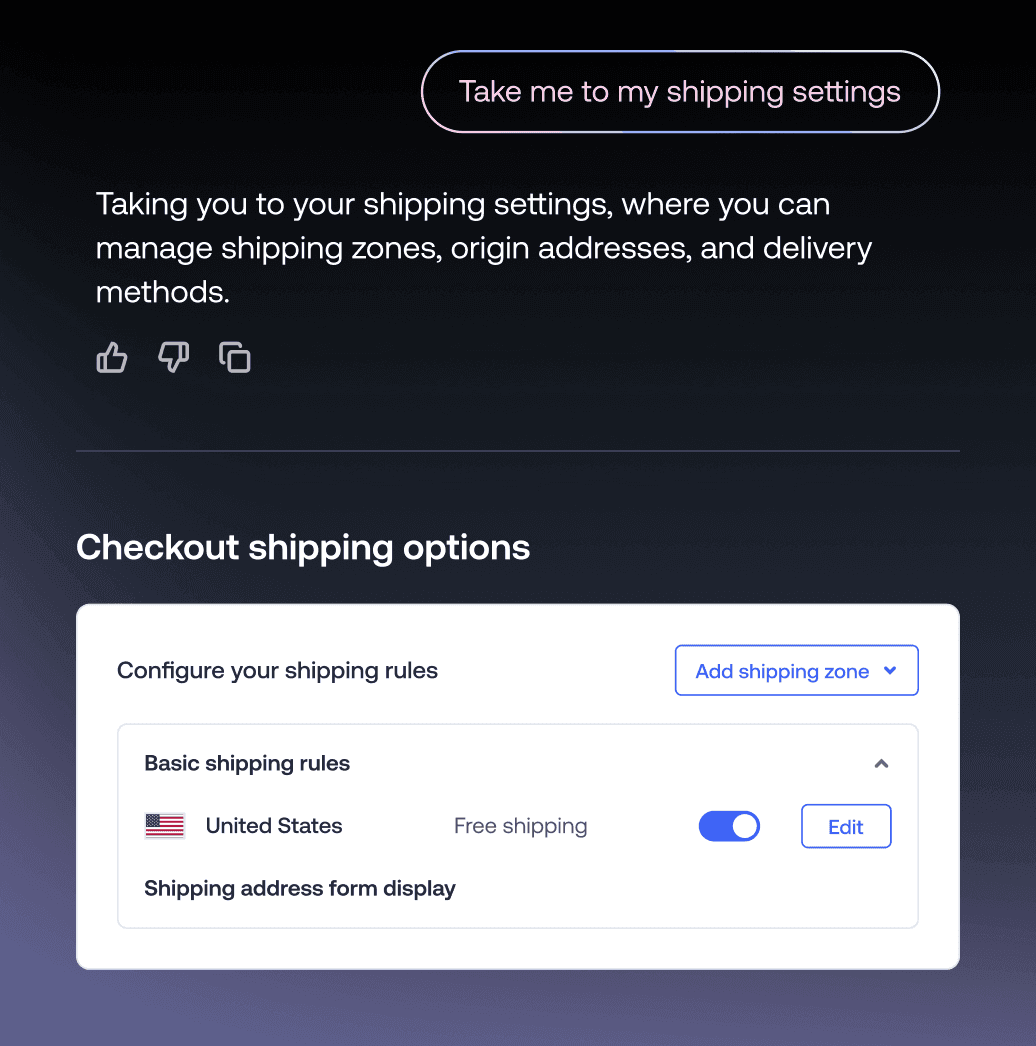
Store Navigator
“Take me to my shipping settings”
Companion helps you move more fluidly within the control panel so you can stay fully on task and always ahead of schedule.
Customer Support
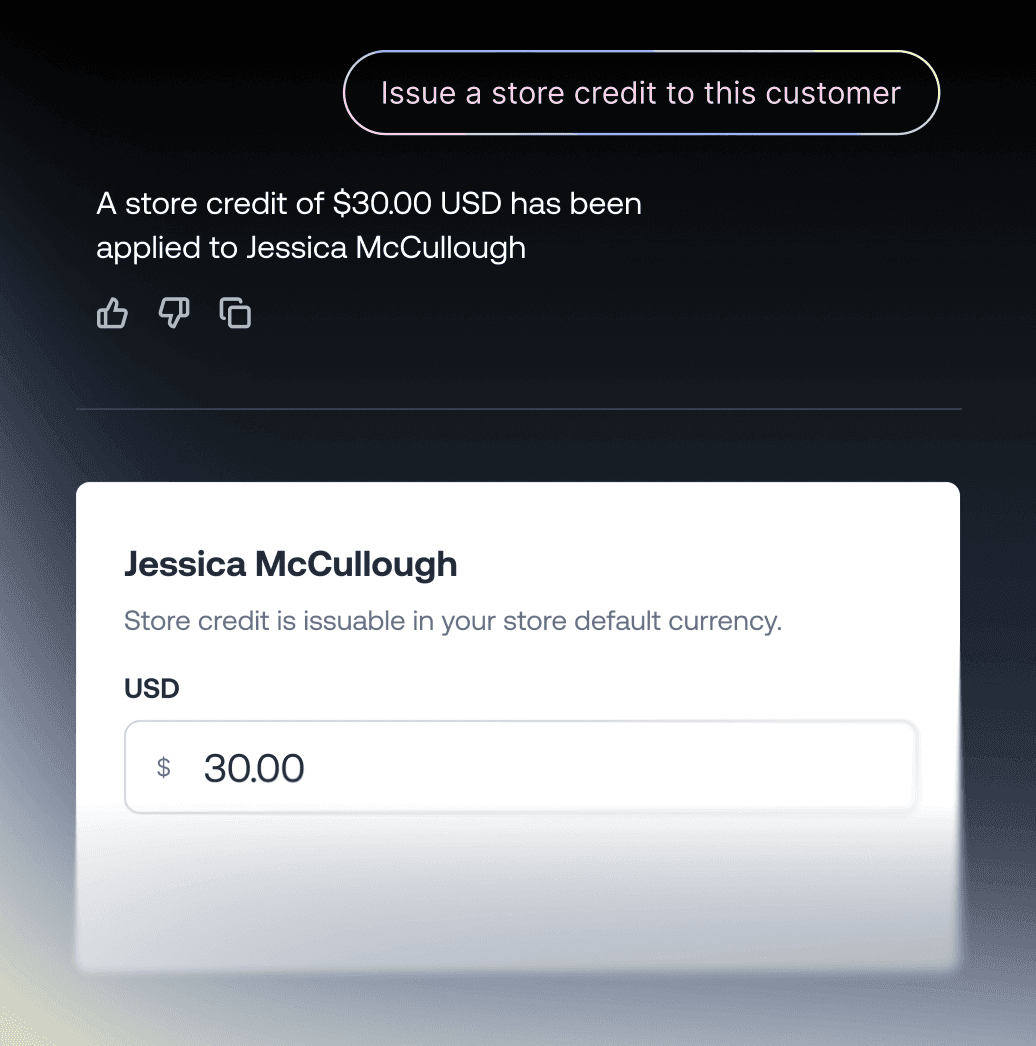
“Issue a store credit to this customer”
Streamline routine customer requests effortlessly and efficiently by letting Companion take care of the workload.
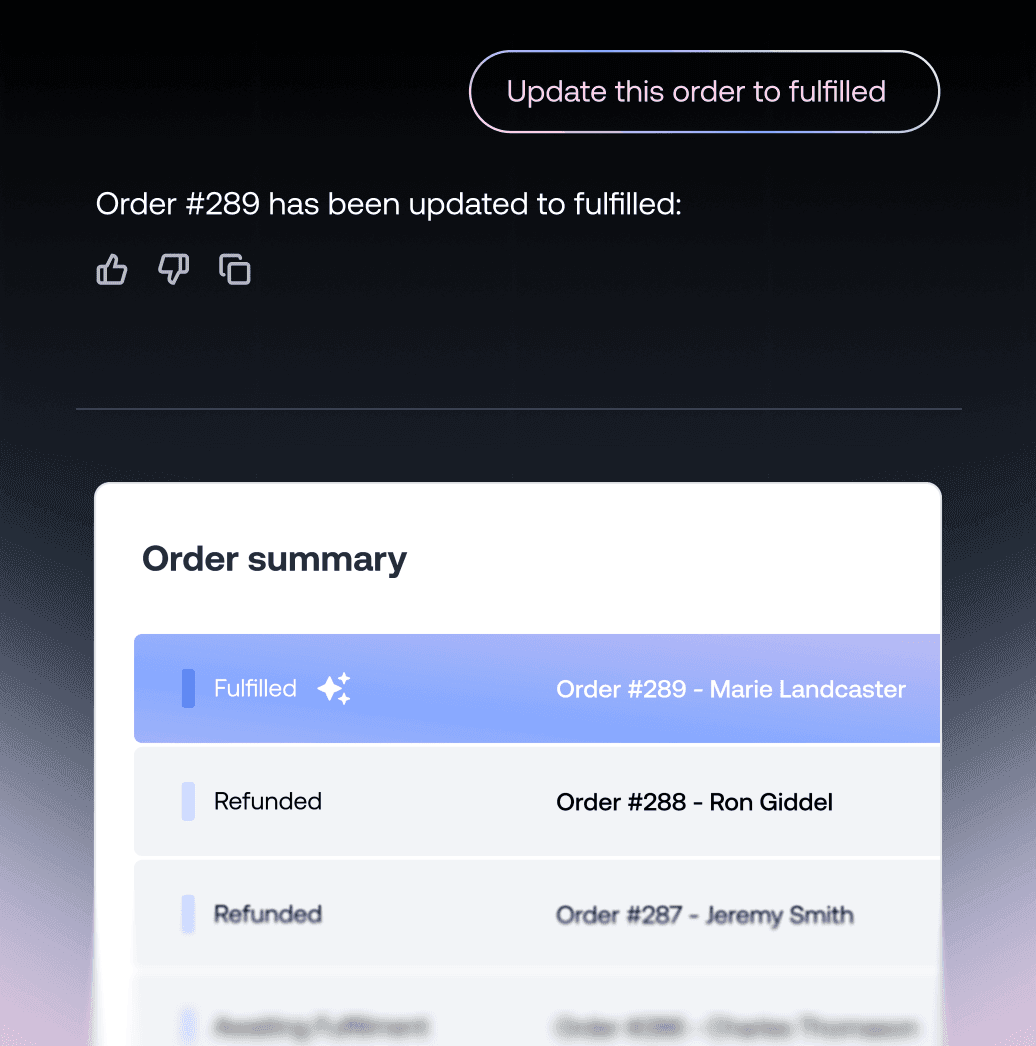
Order Manager
“Update this order to fulfilled”
Keep focused on daily operations while Companion quietly manages background tasks alongside you.
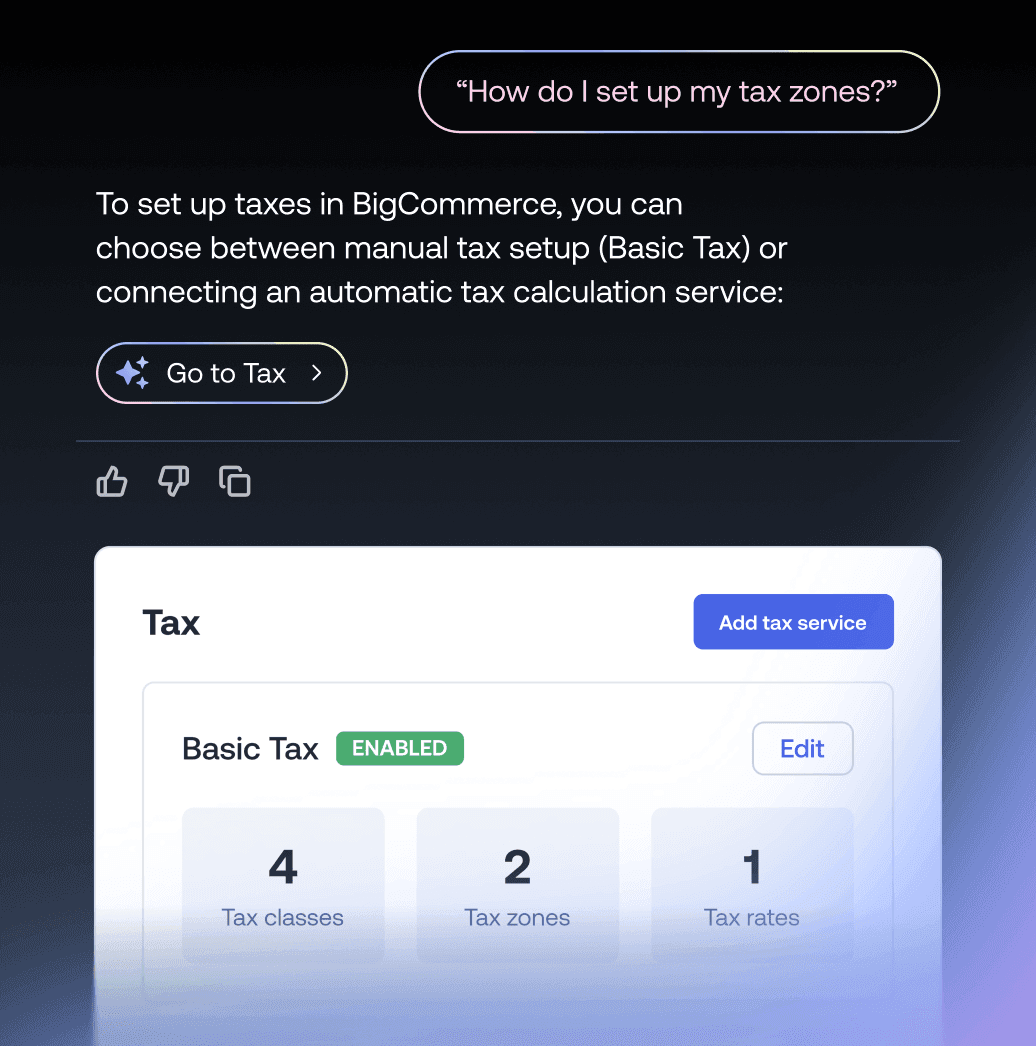
Platform Guide
“How do I set up my tax zones?”
Starting a new ecommerce business is no easy feat. Companion helps you every step of the way.
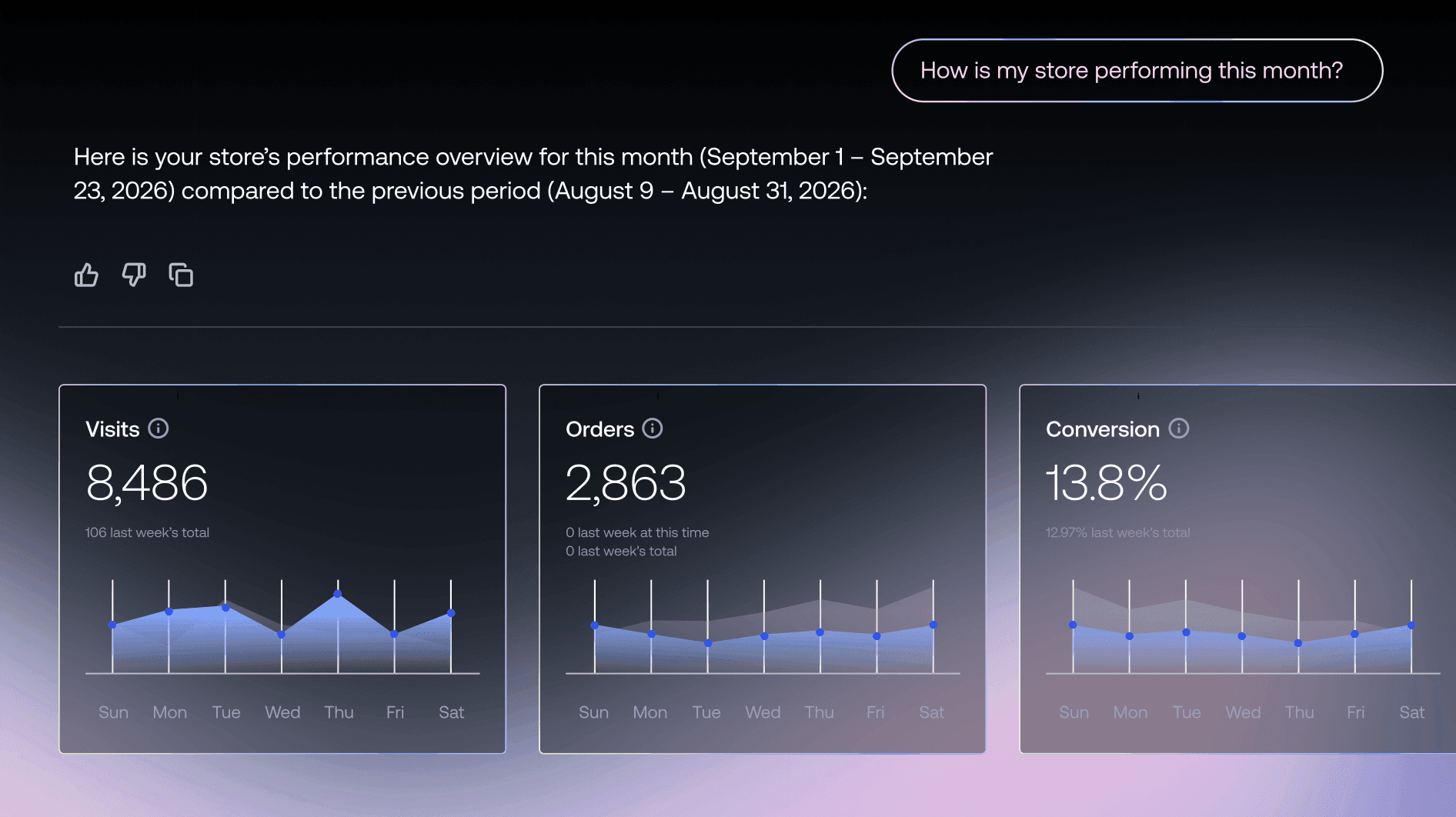
Bring store performance and analytics into full view.
Companion helps you find the right data and understand what is happening across your entire business.


Ready whenever you are…
Whatever comes next, Companion is here to help keep business moving forward.
Companion FAQs
BigCommerce Companion is an AI-powered assistant built into the BigCommerce control panel. It answers how-to questions in the context of your store, shows your business data as on-demand charts, navigates you anywhere in the admin, and makes changes, like updating an order’s status, only after you preview and approve them.
Nope! Companion comes included with your BigCommerce store and is available during free trials and for paid subscriptions.
Yes. BigCommerce Companion is an AI assistant built into the BigCommerce control panel. There’s nothing to install. It can answer questions about your store, show your data as charts, navigate the control panel, and update order statuses with your approval.
No. BigCommerce Companion is a merchant-facing AI assistant that works inside your control panel to help you run your store. For shopper-facing chat on your storefront, the BigCommerce App Marketplace offers dedicated customer-chat apps.
BigCommerce Companion answers how-to questions using documentation, shows store analytics as on-demand charts with period-over-period comparisons, lets you browse your product catalogue in chat, navigates the control panel, and updates order statuses with your approval.
New capabilities ship regularly, and you can ask Companion what’s new.
No. Companion does not apply a change without your approval. Before updating an order status, Companion shows you exactly what will change.
Nothing is applied until you approve it, and Companion re-checks the order first in case something changed while you were deciding.
BigCommerce Companion works within the permissions of the signed-in user. It can only access and make changes to information that the user’s account has permission to access or change.
Open your BigCommerce control panel and look for Companion. Once it’s available on your store, ask a question about your business or BigCommerce to get started.
BigCommerce Companion is built specifically into the BigCommerce control panel and works in the context of your store. It can answer questions, show business data as charts, navigate the control panel, and update order statuses — with changes previewed and approved by you before they’re applied.
BigCommerce Companion is included with BigCommerce and built directly into the control panel, so there’s nothing extra to install.